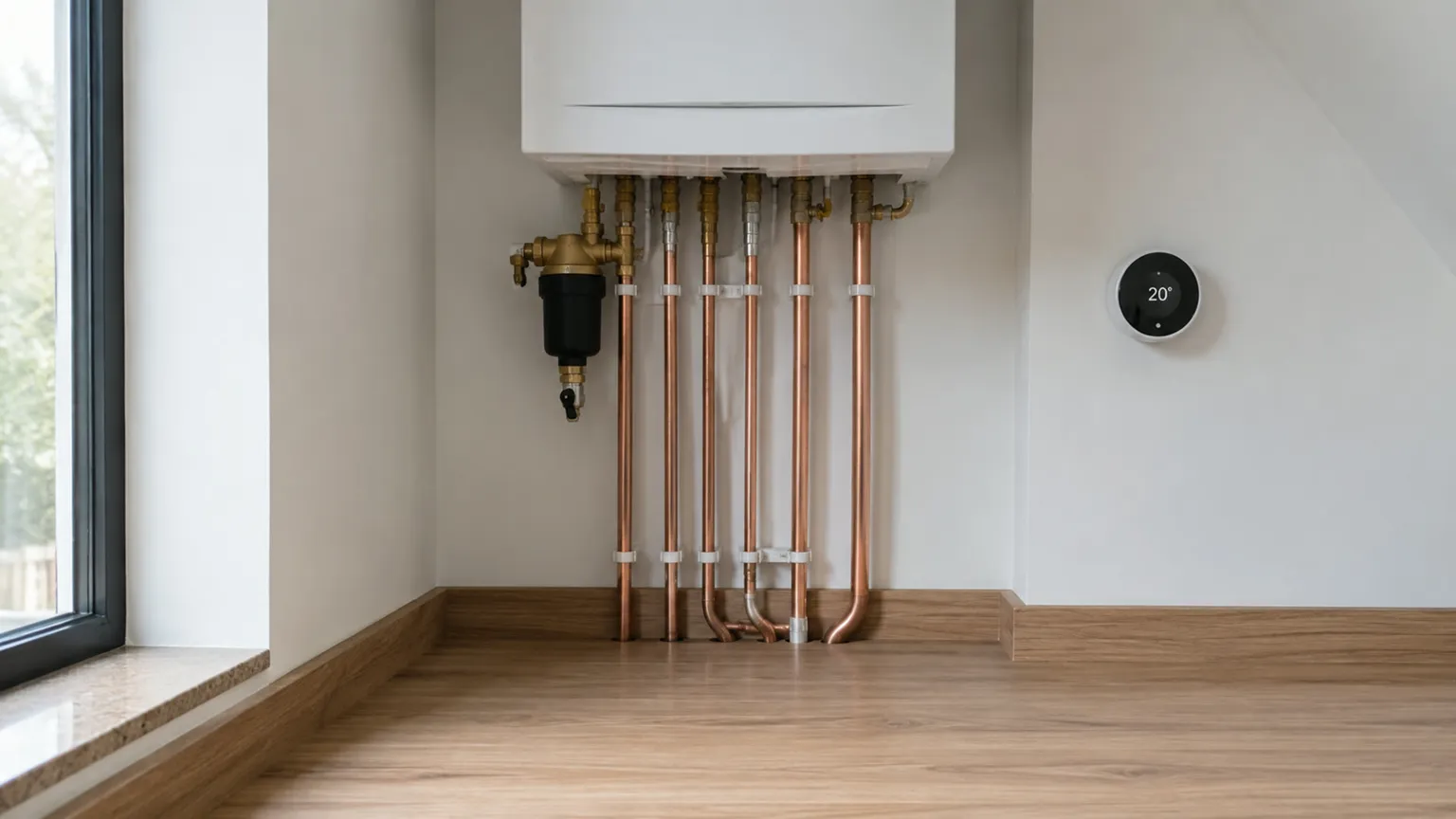
A plumber website has two very different visitors. One has water coming through the kitchen ceiling at eleven at night and will ring the first number that looks local and real. The other is replacing a fifteen-year-old boiler, has a month to decide and will read three websites before ringing anyone. This checklist covers what each of them needs to see, because a site built for one often loses the other.
Two visitors, two jobs for the site
The emergency visitor is on a phone, standing in the problem. They want a number, proof you cover their town and a reason to believe you will turn up. They will not read a paragraph and they will not fill in a form.
The planned-job visitor is on the sofa, often on a tablet or laptop, comparing. They want to know what you fit, what it costs, what other customers say and what your work looks like. They are happy to send a form and wait for a call.
The first screen belongs to the emergency visitor. Everything below it belongs to the planned job. Build it in that order and both of them find what they came for.
What the emergency visitor needs in the first screen
1. A phone number you can tap
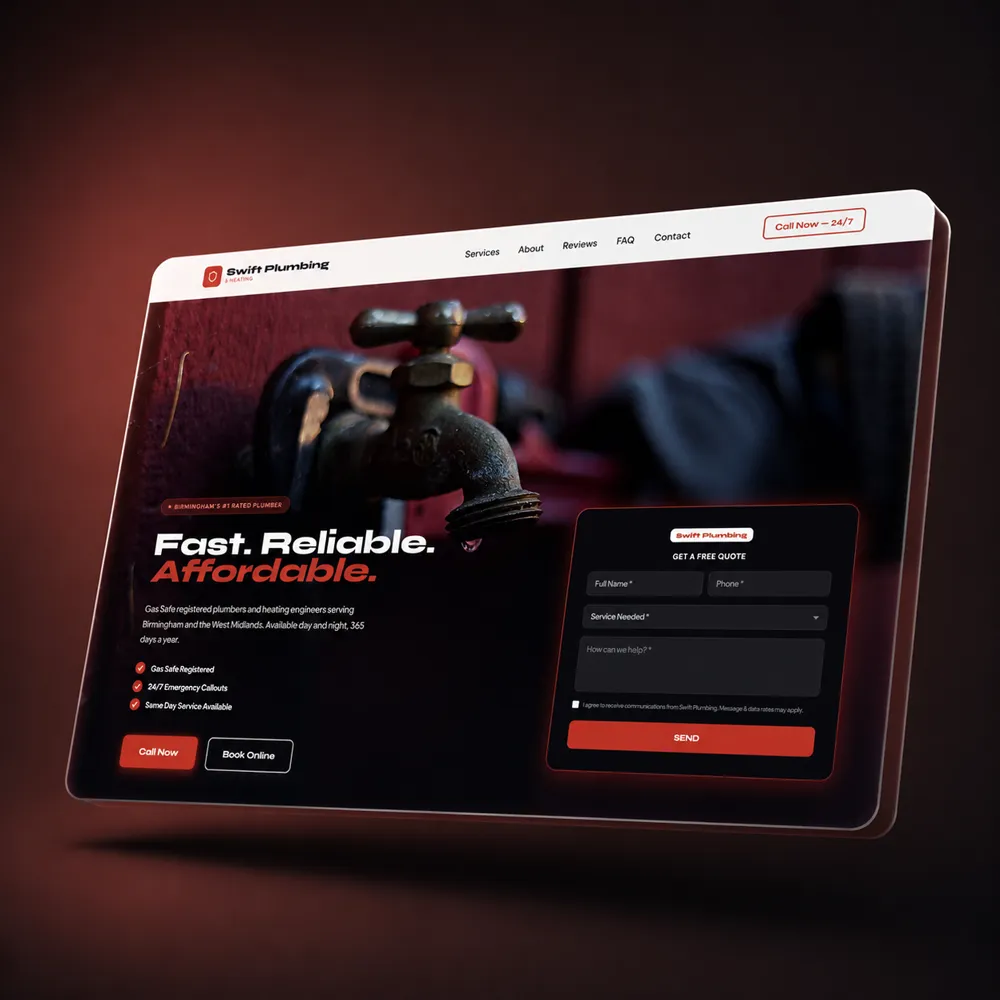
Put the number in the top corner of every page as a button, with a tel link so one tap starts the call. Assume the visitor is on a phone. Ofcom's Online Nation 2025 report found that smartphones accounted for 77% of all the time UK adults spent online on an average day in May 2025. A number typed as plain text in a footer, or worse as part of an image, cannot be tapped and costs you the call.
Next to the number, say when you answer it. "Emergency plumber, 24 hours" is a promise, so only write it if someone really picks up at 3am. If you do not, "Calls answered 7am to 8pm, seven days" is still a strong line. The homeowner who knows you answer at 7am rings at 7am. The one who is left guessing rings the next plumber on the list.
2. Your towns in the headline
"Emergency plumber in Walsall and Cannock" beats "Welcome to our website" because the town is what the homeowner typed into Google. Put the main town in the headline and the rest of your area in a line under it. If you cover a wide patch, a short page for each main town helps you appear for searches in places your van is rarely seen. Our page on local SEO for trade businesses explains how town pages work.
3. A call bar that stays on screen
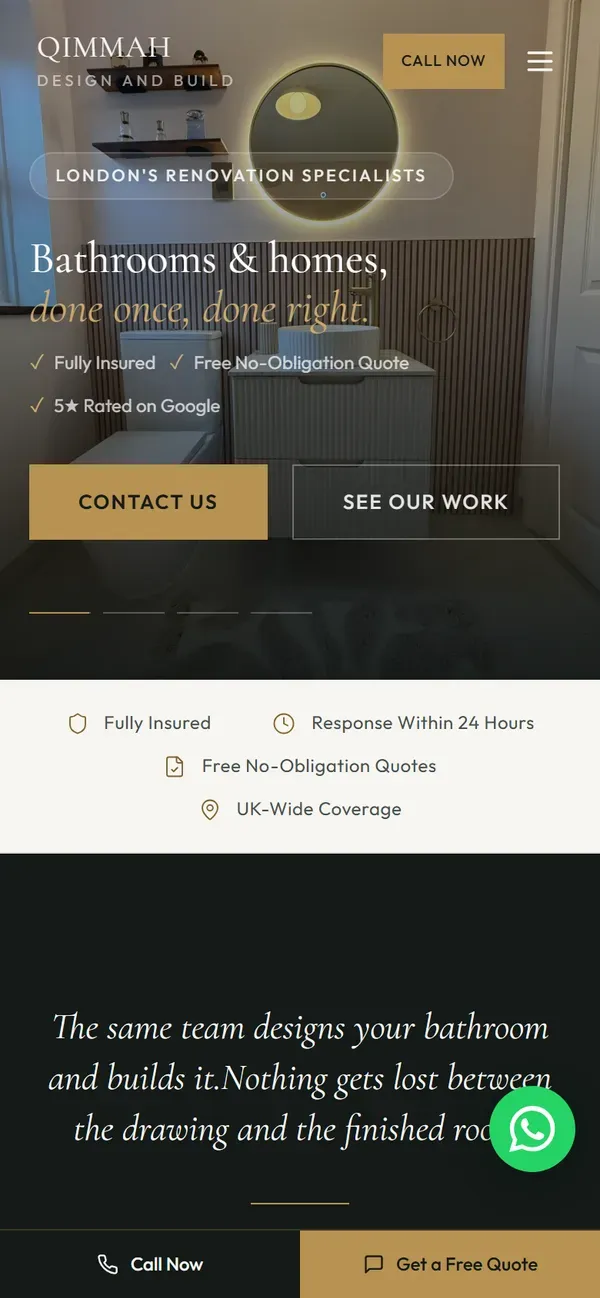
On a phone, the number at the top of the page disappears as soon as the visitor scrolls. A thin bar fixed to the bottom of the screen, with Call on one side and Get a Quote on the other, keeps both routes in reach the whole way down. The emergency visitor taps Call. The planned-job visitor taps the quote button when they have seen enough.
4. Gas Safe registration written out, not just a badge
If you work on gas, your Gas Safe registration is the single strongest trust signal you have, and most sites waste it. A logo in the footer cannot be checked. Write your business name and registration number in plain text in the first screen, and link it to the Gas Safe Register so a cautious homeowner can look you up in thirty seconds. Make it easy for the ones who check.
Show only what is current and in your name. If a subcontractor does your gas work, say so, and show their registration rather than implying it is yours.
What the planned boiler job needs below the fold
5. A page for each service you want more of
A single page that lists "all aspects of plumbing and heating" ranks for nothing in particular. A homeowner searching for a boiler replacement wants a page about boiler replacement, and Google wants to show them one. Give the three or four jobs that earn you the most their own pages:
- Boiler installation and replacement
- Boiler servicing and repairs
- Bathroom installation
- Emergency plumbing and leaks
- Central heating, radiators and underfloor heating
Each page should say which makes you fit, what the job involves, how long it takes and what affects the price. That is the page the planned-job visitor reads twice before ringing.
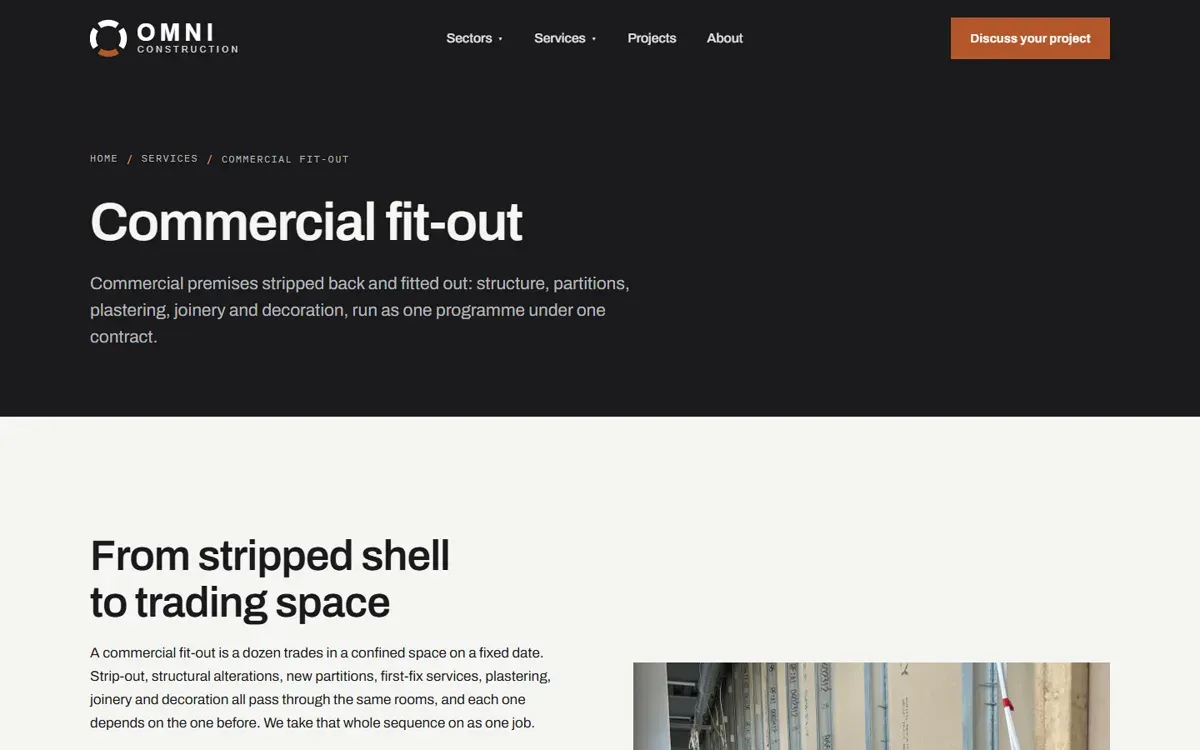
This is how the Omni Construction Group site is built: nine service pages, each written for its own search rather than copied from a template. A plumber needs fewer pages, but the principle is the same.
6. A quote form that asks the right four things
The planned-job visitor would rather send details than ring. Give them a short form and keep it short. Name, phone number, postcode and a few words about the job are enough. For boiler enquiries, a single optional line asking what boiler they have now saves you a phone call later.
After they press send, show a message that says when you will ring back. Silence after a form makes people wonder if it worked, and they go and fill in someone else's.
7. Reviews they can check
Show your Google rating and a few full reviews with the customer's first name and town, and link to your Google profile so people can see the rest. BrightLocal's Local Consumer Review Survey 2026, a survey of 1,002 US adults, found that 97% of consumers read reviews for local businesses, and that 54% go on to check the business's website after reading positive reviews. The survey is American, and we have seen nothing to suggest UK homeowners behave differently.
That second figure matters for you. A good review sends people to your site to confirm what they just read. If the site is a 2014 page with a dead form, the review has done its work and the site undoes it. Your Google Business Profile and your website should point at each other and tell the same story.
8. Photos of your own installs
A planned-job visitor is buying a finished result they cannot see yet. Show them one. Photograph each boiler and bathroom when it is done, from the same spot, in daylight, with the pipework tidy and the tools out of shot. Write one line under each: "Combi boiler replacement, Lichfield, fitted in a day" sells more than a paragraph about quality.
Keep stock photography out of the gallery. A homeowner comparing three plumbers notices when two of them show the same boiler.
9. Straight talk about price
You do not have to publish a price list, but you do have to say how you charge. A call-out fee, an hourly rate, a fixed price for a boiler service, a free survey for a replacement: whichever applies, write it down. The homeowner who sees no mention of money assumes you are the expensive one and rings a competitor who gave them a figure.
What both visitors check
10. Contact details and hours that are easy to find
The number, the hours and the area are the three things everybody looks for. BrightLocal's Consumer Search Behavior research 2025, a survey of 1,000 US adults, found that 85% consider contact information and opening hours an important factor when researching a local business. Put them in the first screen, the contact page and the footer, and make sure they match what your Google profile says.
11. A site that loads on a bad signal
The emergency visitor may be standing in a cupboard under the stairs with one bar of signal. Google's study The Need for Mobile Speed, which looked at over 10,000 mobile sites, found that 53% of visits are abandoned when a page takes longer than three seconds to load. The study is from 2016. Phones have got faster since; patience has not.
Oversized photos are the usual cause. Compress every image before it goes up, and make sure whoever hosts the site keeps it fast after launch. Then test it yourself on your phone with wifi turned off.
The checklist
- Tap-to-call number in the top corner of every page
- When you answer the phone, stated honestly
- Your main town in the headline and your area under it
- A call bar that stays on screen on mobile
- Gas Safe registration number in text, linked to the register
- A page for each service you want more of
- A four-field quote form with a thank-you message
- Real reviews, linked to your Google profile
- Photos of your own installs with the town under each
- A plain statement of how you charge
- Contact details and hours in three places, matching Google
- A site that loads in under three seconds on a phone
Open your site on your phone and tick them off. Many plumber sites score well on the planned-job half and poorly on the emergency half, because the person who built the site was never standing under a leak when they did it.
Getting this without building it yourself
We build websites for plumbers and heating engineers with both visitors in mind from the first day: the emergency screen up top, the service pages, reviews and quote form below. You can see the same approach on live client sites in our work, and you see a working concept of your own site before you pay anything. Plans start at 149 pounds a month with no upfront cost and no contract, and hosting, the domain and updates are included.