
A trade website needs five pages to start: a home page, your services, a gallery of your work, an about page and a contact page. Everything else is added later, when it answers a question a customer is asking or a search they are making. This guide covers the trade website pages worth building, the ones to add as you grow, and the ones to leave off.
The five pages every trade website starts with
Each page has one job. If you know the job, you know what goes on it and what to leave out.
Home page
The home page tells a visitor what you do and where you do it, within a few seconds. A headline such as "Kitchen and bathroom fitting across Leicester" does that. Below it, put your phone number as a button, your Google rating if you have one, a few photos of finished jobs and short links into each service.
Most visitors arrive on a phone. Ofcom's Online Nation 2025 report found that smartphones accounted for 77% of the time UK adults spent online in May 2025. Build the home page for a thumb first, then check how it looks on a laptop.
Services
List what you do, in the words your customers use. "Consumer unit replacement" beats "distribution board upgrades" if that is what homeowners type. When you start out, one services page with a short section per job is fine. The next section explains when to split it up.
Gallery or projects
This is the page that sells. Show your own jobs, each with a line saying what the work was and which town it was in. Three photos per job work well: before, during and after. Stock photos do the opposite of what you want here, because customers can tell.
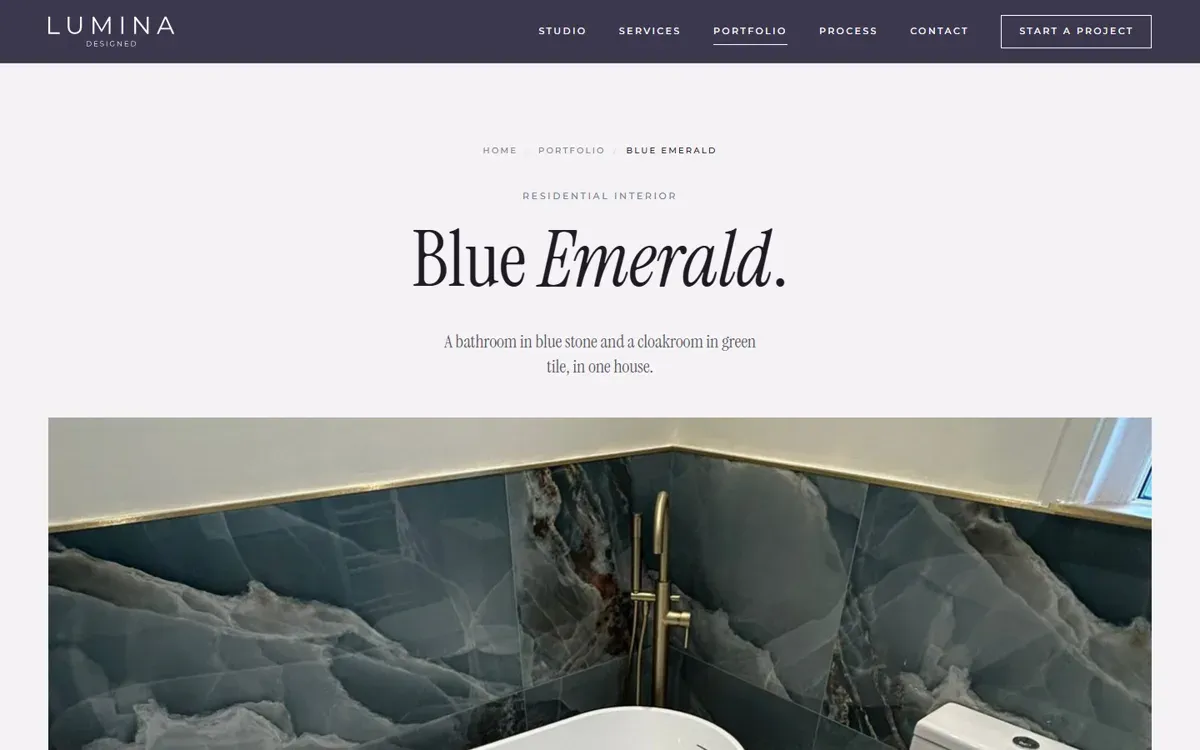
Once you have a dozen good jobs, give the best of them a page each. A project page can tell the story of a loft conversion or a full rewire in a way a grid of thumbnails cannot. That is how the portfolio works on the Lumina Designed site we built, where each project has its own page with a short write-up.
About
Customers let you into their homes, so they want to know who you are. Say how long you have traded, where you are based, who does the work and what you hold: insurance, trade registrations, guarantees. List only what is true and current. A photo of your van or your yard says more than a paragraph about values.
Contact
Give people two ways in. A phone button for the ones in a hurry, and a short form for the ones planning a job. Ask for name, phone or email, postcode and a line about the work. Then say when you reply, such as "We ring back the same working day". Put the form at the top of the page, above your address and email.
When to give each service its own page
Split your services page once you offer more than two or three distinct jobs. Google ranks individual pages. A plumber with one services page has one chance to appear for "boiler repair", "bathroom installation" and "blocked drain" all at once, and usually wins none of them.
A page per service fixes that. Each page explains what the job involves, how you go about it, what affects the price and what it looks like when done, with photos of that job only. Aim for a few hundred words that answer what a customer wants to know before ringing.
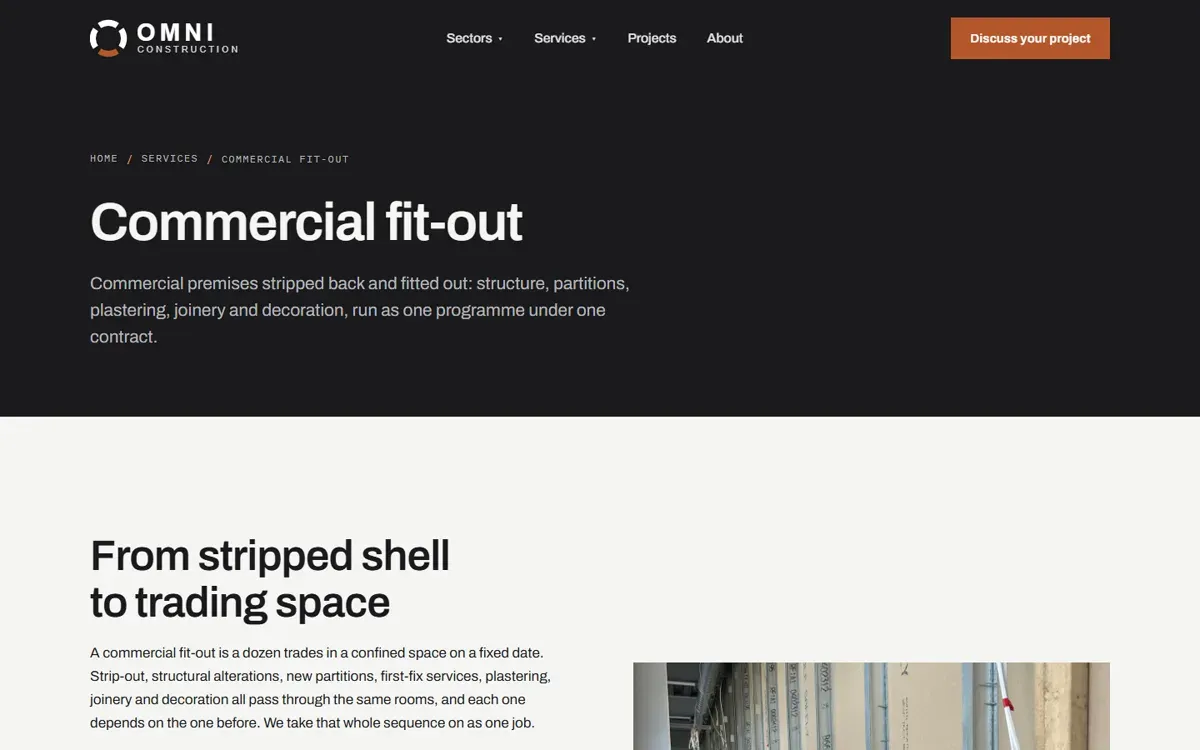
The Omni Construction Group site works this way. Each service has its own page, and a second set of pages covers the sectors the company works in, so a school or a retailer finds a page written for them.
When to add town pages
Add a town page when you get regular work in a place that is not your home town. If your yard is in Wakefield and half your jobs are in Pontefract, a page about your work in Pontefract helps you appear when someone there searches for your trade.
A town page needs real content. Mention jobs you have done there, the kind of properties you see and how quickly you can get out. Copying one page fifty times and swapping the town name gives Google nothing new, and it tends to show none of them. Our guide to local SEO for trade businesses covers how town pages work alongside your Google profile.
Reviews: a page or a section?
Put reviews on the pages people are already reading: two or three on the home page, and a relevant one on each service page. A separate reviews page is fine to add, but few visitors go looking for it.
Reviews and your website feed each other. BrightLocal's Local Consumer Review Survey 2026 found that 54% of consumers check a business's website after reading positive reviews. That survey is of US adults, but the habit is easy to recognise. Someone reads your reviews on Google, then taps through to see your work. Link your site to your Google Business Profile so the trip works both ways.
The pages you need for legal reasons
A contact form collects names, phone numbers and emails, which is personal data. The site needs a privacy notice saying what you collect, why, how long you keep it and who to contact about it. The ICO's guide for small organisations sets out what goes in one, in plain English.
If the site uses analytics or advertising cookies, add a cookie notice as well. Link both from the footer of every page. If you trade as a limited company, put the registered company name and number in the footer too.
Pages to leave off
Some pages look busy and win nothing:
- A blog you will not write for. Two posts from 2023 make the business look shut.
- A news page with the date you launched the website.
- A team page with empty spaces for staff you plan to hire.
- A price list you cannot stand behind on every job.
- A separate page for each social media account.
Every page you publish needs to stay accurate. Fewer pages that are kept up to date beat many pages left to go stale.
Two example site maps
Here is how the pages might look for two different businesses. Both are examples, not real customers.
A sole trader plumber covering one town
- Home
- Boiler repairs and servicing
- Bathroom installation
- Leaks and blocked drains
- Recent jobs
- About and contact on one page
Six pages. Each service page targets one search, and the about page doubles as the contact page because there is one person to contact.
A building firm with a team, covering a county
- Home
- Extensions
- Loft conversions
- Renovations
- Projects, with a page for each of the best six jobs
- Three town pages for the places outside the home town that bring regular work
- About
- Contact
- Privacy and cookie notices
About eighteen pages, and each one earns its place. The firm adds a page when it starts a new service or wins steady work in a new town.
Check what you have now
Open your site on your phone. For each page, say its job in one sentence. If you cannot, the page is either doing two jobs and needs splitting, or doing none and can go. Then search Google on your phone for your main service plus your town and see which page of yours comes up, if any. That tells you which page to improve first. Our post on website mistakes that cost tradesmen enquiries has more checks you can run in ten minutes.
How we build the pages for you
When we build websites for trade businesses, we plan the pages around the work you want more of and the towns you want it in, then build each page for the search it answers. You see a working concept of your site before you pay anything. Plans start at 149 pounds a month with no upfront cost and no contract. The hosting, the domain and updates are included.