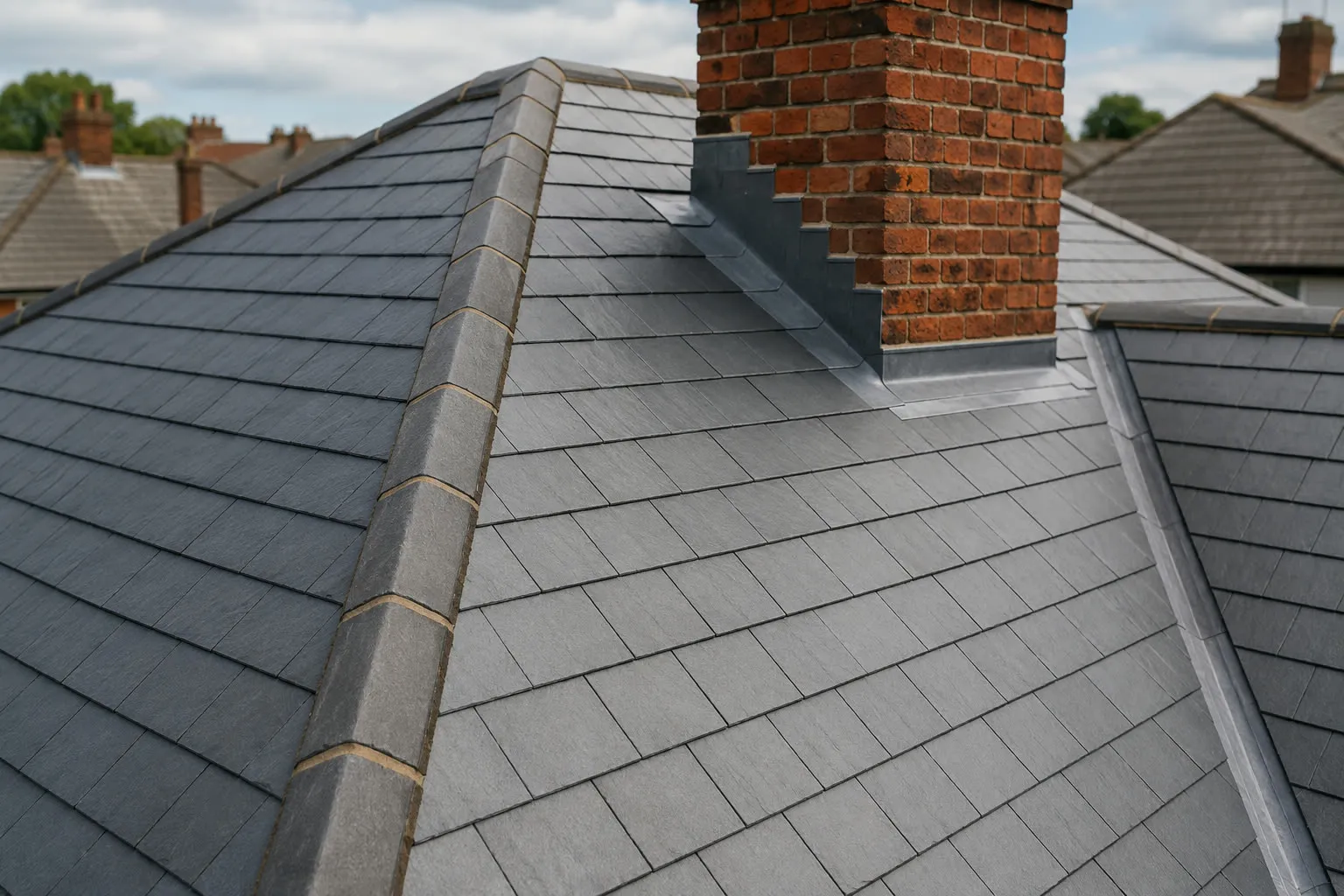
A roofing website has one job: turn a homeowner with a problem into a phone call or a quote request. Many roofing sites fail at it because they list a few services and stop there. These nine things are what a roofing website needs, in the order a visitor looks for them.
1. A headline that says what you do and where
The first screen has to answer two questions in a few seconds. Do you fix my problem? Do you cover my area?
"Roof repairs and new roofs across Stockport" answers both. "Welcome to our website" answers neither. Put the town in the headline, because the town is what the homeowner typed into Google.
2. A phone number you can tap
Someone with water coming through the ceiling will not fill in a form. Put a tap-to-call button at the top of each page and keep it on screen while they scroll on a phone.
Assume the phone is the device. Ofcom's Online Nation 2025 report found that UK adults spent 77% of their time online on a smartphone in May 2025, against around 12% on a computer. A button that works with a thumb matters more than anything on a desktop screen.
If you take emergency callouts, say so next to the number. If you do not, say when you answer the phone. A homeowner who knows you pick up between 7am and 6pm will ring at 7am. One who is left guessing rings the next roofer on the list.
3. A short quote form
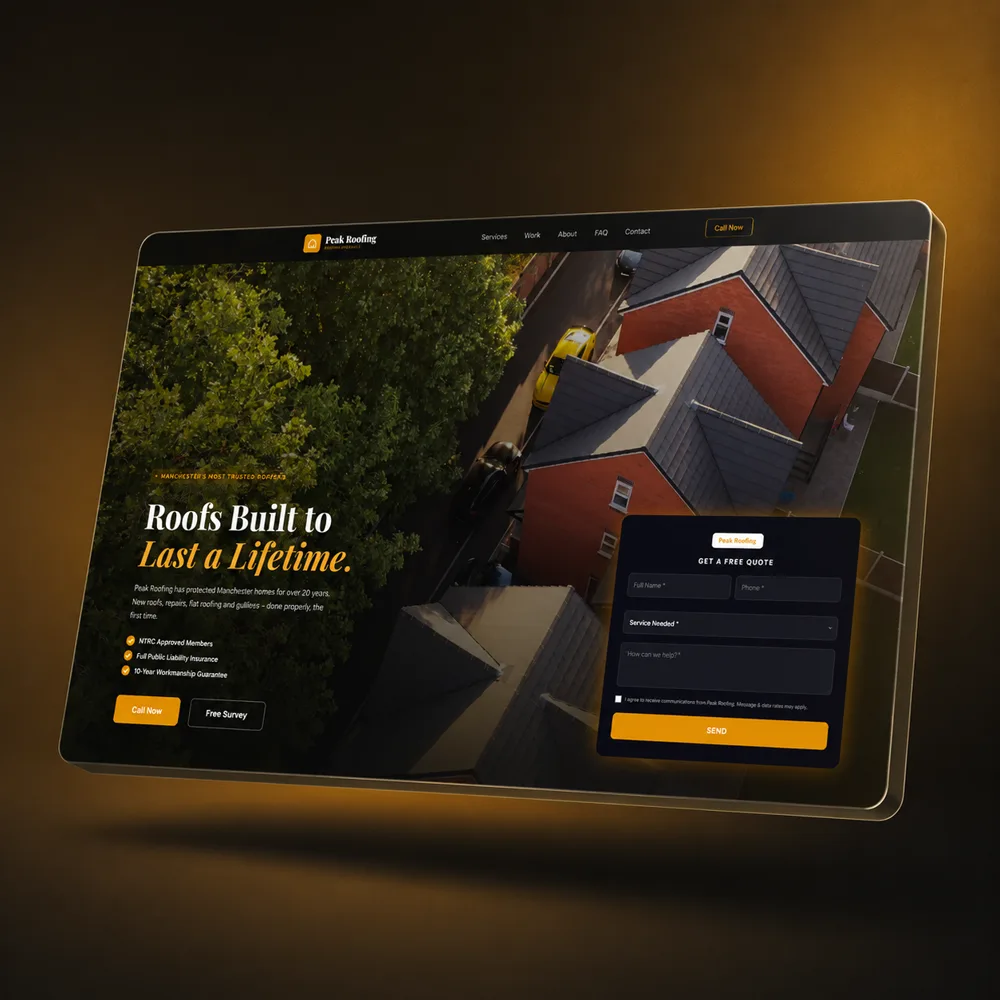
For planned work such as a re-roof or new guttering, people prefer to send the details and wait for a call back. Give them a form with four fields:
- Name
- Phone number
- Postcode
- A short description of the job
Each extra field loses you enquiries, so leave out anything you can ask on the phone. After they press send, show a message that says when you will ring. Silence after a form makes people wonder if it worked, and they go and fill in someone else's.
4. Photos of your own roofs
A stock photo of a roof nobody recognises tells the visitor nothing about you. Photos of your own jobs, on houses that look like theirs, show the standard of your work.
On each job, take three photos: before you start, part-way through and when you finish. Add one line under each set saying what the job was and which town it was in. "Full re-roof in Welsh slate, Bramhall" does more selling than a paragraph about quality.
You do not need a professional photographer. A phone held level, in daylight, from the same spot each time is enough.
5. A page for each service
A single services page with a bullet list will not rank for much. Give each main service its own page:
- Roof repairs
- New roofs and re-roofs
- Flat roofing
- Guttering, fascias and soffits
- Chimney work and leadwork
Each page can then appear when someone searches for that job. It also gives you room to explain how you do the work, which materials you use and what affects the price. A homeowner comparing three roofers reads these pages to decide who knows the trade.
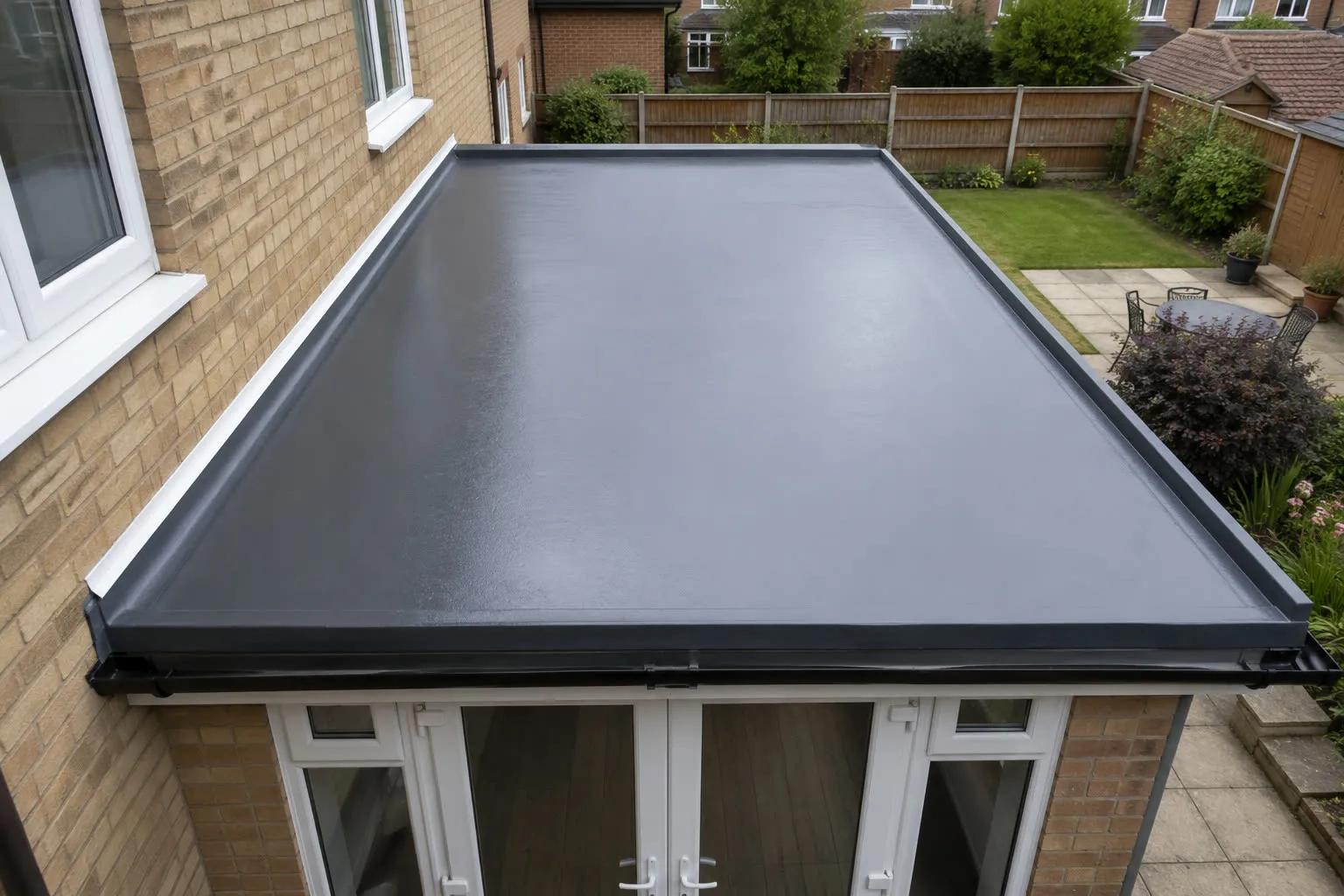
This is how we structured the site for Omni Construction Group, a construction company whose roofing page sits alongside eight other service pages. Each page is written for the search that brings people to it, not copied from a template.
6. Your real reviews
Show your Google rating and a few full reviews, with the customer's first name and town. Link to your Google profile so people can check them. BrightLocal's Local Consumer Review Survey 2026 found that 97% of consumers read reviews for local businesses, and 41% read them every time they look for one. The survey is of US consumers, and we have seen nothing to suggest UK homeowners behave differently.
Use only reviews you can point to. Homeowners do look them up, and a testimonial they cannot find anywhere else makes the whole site look doubtful. If you have five real reviews, show five. Then ask your next customer for a sixth on the day you finish their job. Your Google Business Profile is where those reviews live, so the website and the profile should link to each other.
7. Proof you are a real business
Roofing has a reputation problem and homeowners know it. They have read the stories about cash up front and a van that never comes back. Answer that worry on the page:
- Your company name, and your company number if you are a limited company
- Your public liability insurance, in plain words
- Any trade body or manufacturer accreditation you hold
- Your written guarantee and what it covers
- A real address, or the town you are based in
List only what you hold. A badge you cannot back up is worse than no badge.
8. The areas you cover
List the towns you work in. If you cover a wide area, build a short page for each main town and include a job you did there.
Town pages are how you appear for a search such as "roofer in Sale" when your yard is in Stockport. Google needs to see the town name on a page about roofing before it will show you for that search. Our page on local SEO for trade businesses explains how that works.
9. Speed on a phone
Your visitors are often on a phone with a patchy signal. A site that takes several seconds to load loses them before they see your work. Google's own study, The Need for Mobile Speed, measured over 10,000 mobile sites and found that 53% of visits are abandoned when a page takes longer than three seconds to load. The study is from 2016. Phones have got faster since; patience has not.
Large photos straight off a camera are the usual cause. Compress each image before it goes on the site, and make sure whoever hosts the site keeps it that way after launch. Then test the site on your own phone with wifi switched off. If you get bored waiting, so will your customer.
What to leave off
Some things take up space and win you nothing:
- A long company history on the home page
- A sliding banner that changes before anyone has read it
- Stock photos of handshakes and hard hats
- Prices you cannot stand behind
- Links to social media pages you have not posted on for a year
Anything that sits between the visitor and your phone number costs you calls.
Check your own site in five minutes
Open your website on your phone and ask a friend who is not in the trade to do the same. Give them these three tasks:
- Find out if you cover their town.
- Find a photo of a job you did.
- Ring you.
Watch where they get stuck. If any of the three takes more than a few taps, you have found the first thing to fix.
Getting this without building it yourself
We build websites for roofing companies with all nine of these in place from the first day. You can see the same approach on live client sites in our work, and you see a working concept of your own site before you pay anything. Plans start at 149 pounds a month with no upfront cost and no contract, and we handle the hosting, the domain and the updates.