A Google Business Profile is the free listing that puts your firm on Google Maps and in the map results when someone near you searches for your trade. Setting up a Google Business Profile for tradesmen takes an hour or two: claim the listing, verify it, choose your category, set the towns you cover, add photos and link your website. This guide walks through each step in the order Google asks for it, with the choices that trip up trade businesses.
1. Check for an existing listing first
Before you create anything, search Google Maps for your business name and town. Google sometimes builds a listing from directory data, and a past employee or an old web designer may have made one years ago.
If a listing exists, claim it from the listing itself. If you make a second one, your reviews end up split across two profiles and neither ranks well. Sign in with a Google account that you will keep for the life of the business. A personal Gmail you have had for ten years is safer than one an agency set up for you.
2. Get verified
A new profile has to be verified before you can manage it as the owner. Google's own verification help page lists phone, text, email, live video call, video recording and postcard as methods. You do not get to pick. Google decides which ones you are offered, and some businesses have to complete more than one.
A few points from that page that catch tradesmen out:
- A phone menu system cannot receive the code, so use a mobile.
- Postcard codes expire after 30 days.
- Verification reviews can take up to five business days.
If you are offered a video, plan it for a weekday. Film your van with the signwriting showing, your tools, and something with your business name on it such as an invoice or an insurance certificate. Google wants proof that the business is real and that you run it.
3. Use your real business name
Enter the name on your van, your invoices and your bank account. Do not add towns or services to it. "Hughes Roofing" is right. "Hughes Roofing Leeds Emergency Roof Repairs" breaks Google's guidelines for representing your business, and a competitor can report it. A profile that gets suspended for a stuffed name can take weeks to bring back.
4. Pick the most specific category
Your category tells Google which searches to show you for. The same guidelines page tells you to use as few categories as possible and to choose the most specific one that fits.
Take a plumber who also fits boilers. "Plumber" as the main category with "Heating contractor" added is accurate. Adding "Bathroom remodeler" because you once fitted a shower tray is not. Start with the work that earns you the most, and add a second category only for work you take on every week.
5. Set your service area properly
This is where most trade profiles go wrong. If customers never come to your address, you are a service-area business in Google's terms. You give your address for verification, then hide it and list the places you cover.
Google's service area help page sets the rules:
- You can add up to 20 areas.
- Areas are towns, cities or postcodes. You cannot draw a radius.
- The whole area should sit within about two hours' drive of your base.
A builder in Wakefield might list Wakefield, Pontefract, Castleford, Ossett, Normanton and Horbury, then stop. Adding "Yorkshire" or "UK" does not make you appear in Hull. Google still weighs how far you are from the person searching. List the towns where you want the next six months of work to come from.
6. Fill in your services and hours
Add each service you offer with a line or two about it. A roofer would list roof repairs, re-roofs, flat roofing, guttering and chimney work as separate services, each with a short description in plain words.
Set your real working hours. If you take emergency calls, say so in the description rather than claiming 24 hours if you do not answer at 3am. A homeowner who rings at a time your profile says you are open and gets no answer leaves a review about it.
Write the business description as you would explain your firm to a neighbour. Say what you do, where you work and how long you have been doing it.
7. Add photos of your own work
Photos are what a homeowner looks at after your rating. Add the finished jobs you are proudest of, your van, and work part-way through so they can see how you leave a site.
Take them on your phone, in daylight, with the job filling the frame. A new kitchen floor shot from the doorway beats a close-up of one tile. Add a few new photos every month or two. A profile with its last photo from 2021 looks like a firm that has stopped trading.
Never upload stock photos or another firm's work. Customers do check, and so does Google.
8. Ask for reviews, and answer them
Reviews are the part of the profile that does the selling. Google's page on improving your local ranking says that more reviews and positive ratings can help your ranking, and that helpful replies help you stand out.
Customers want recent ones. BrightLocal's Local Consumer Review Survey 2026 found that 74% of consumers look for reviews written in the last three months. The same survey found that 89% expect the business owner to respond. It surveyed 1,002 adults in the US, so treat it as a guide to UK customers rather than a measurement of them.
The habit that works is simple. Copy the review link from your profile and save it in your phone. When you finish a job and the customer is pleased, send it by text or WhatsApp that evening with one line: "Thanks again, if you have a minute a Google review helps us a lot." Then reply to every review you get, good or bad, by name and with a detail from the job. Our page on Google Business Profile setup for trade businesses explains how the profile, the reviews and the website fit together.
9. Link your website, and make it match
Put your website address in the profile. Google's ranking page counts links to your business from other sites as part of how well known you are, and your own site is the first place it looks for detail about your services and towns.
The bigger reason is the customer. Someone who likes your rating taps through to your site to check your past jobs before they ring. If the site has a different phone number, lists towns the profile does not, or has no photos, you lose them at the last step. Google is also less popular as a review source than it was. BrightLocal's 2026 survey, linked above, found that 71% of consumers used Google to read reviews, down from 83% in 2025, with AI tools and other sites taking a growing share. Your website is the one page all of those routes can send people to.
Keep these the same on the profile and the site:
- Business name, spelt the same way
- Phone number
- The towns you cover
- The services you list
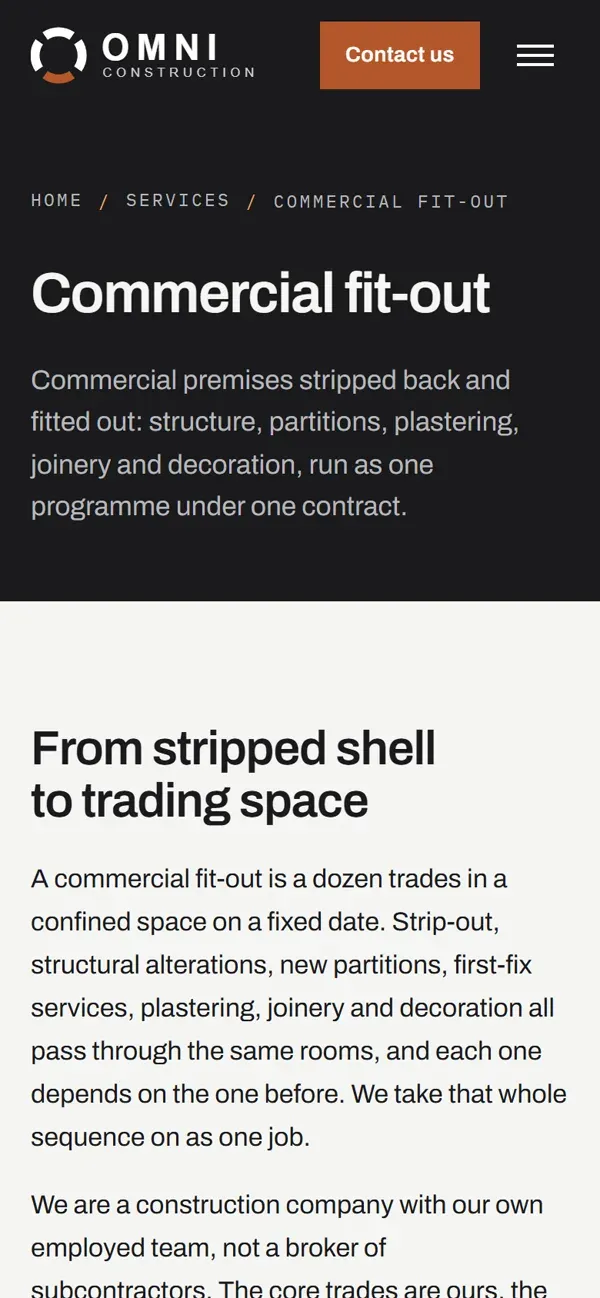
Give each main service its own page on the site, and link the profile's website button to your home page. We built Omni Construction Group a separate page for each service, so a visitor who came from the map for one type of job lands on a page about that job. Our guide to local SEO for trade businesses explains how town and service pages help you show up beyond the map.
10. Keep it alive
A profile is not something you set up once. Put fifteen minutes in your diary every Friday afternoon:
- Reply to any new reviews.
- Answer any messages or questions on the profile.
- Add two or three photos from the week's jobs.
- Check your hours before bank holidays and your own time off.
Once a month, open the performance section. It shows how many people called you, asked for directions or clicked through to your website from the profile. If calls rise and website clicks stay flat, the website is the weak link. If you get calls about work you do not do, look again at your category. The figures tell you where to look next, and our post on trade directories against your own website covers how to weigh paid lead sources against the free ones.
How SiteFlash fits in
We build websites for UK trade businesses that match your Google Business Profile from the first day: the same name, number, towns and services, with your real rating where a visitor sees it. As part of the build we claim or set up the profile and link it to the site. You see a working concept of your site before you pay, and plans start at £149 a month with no upfront cost and no contract, with hosting, the domain and updates included.