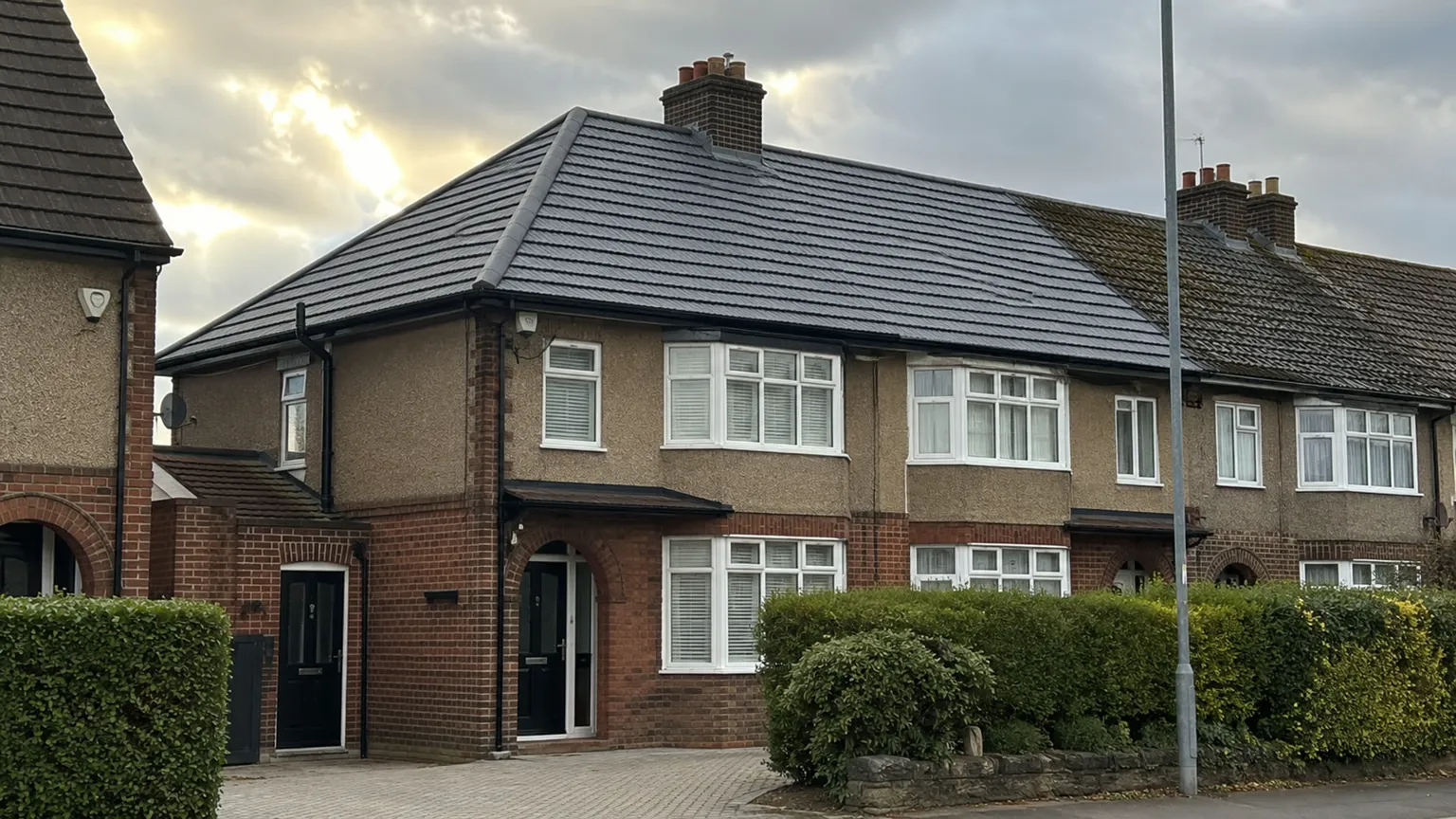
Roofers get more enquiries from Google without ads by winning two free spots on the results page: the map with three local businesses, and the normal list of websites below it. Four things decide whether you appear there. Your Business Profile, your reviews, a page for each roofing service and pages for the towns you cover. Get those four working together and the roofing leads arrive without a pay-per-click bill.
Where the calls come from on a Google search
Search "roofer near me" on a phone and you usually see three blocks. Sponsored listings sit at the top. The map with three businesses comes next. Then come the normal website results.
The map and the normal results cost nothing to appear in. Homeowners use both all the time. Ofcom's Online Nation 2025 report found that Google Search was used by 82% of UK online adults in May 2025. The same report found Google Maps was the third most-used smartphone app, reaching 77% of adults that month. When someone has a slipped tile after a windy night, those are the two places they look.
How Google picks the three roofers in the map
Google explains its local ranking in its own help article, Tips to improve your local ranking. It weighs three things:
- Relevance: how well your profile matches what the person searched for.
- Distance: how far your business is from the person searching.
- Prominence: how well known your business is, which includes your reviews and the websites that link to you.
The same page says there is no way to pay for a better local ranking. You cannot move your yard closer to every customer. You can control relevance and prominence, and the four steps below cover both.
1. A Business Profile that matches the job
Your profile is the listing that appears in the map. Set the main category to "Roofing contractor". Add each service you offer by name: roof repairs, re-roofs, flat roofs, guttering, fascias and soffits, chimney and leadwork. A homeowner who searches "flat roof repair" is more likely to see a profile that lists flat roofing.
Set your service area to the towns you actually drive to. Add photos from real jobs every week or two, taken on your phone in daylight. Our page on Google Business Profile management for trades covers what we set up for clients, and our earlier post walks through setting up a Google Business Profile step by step.
2. A steady flow of recent reviews
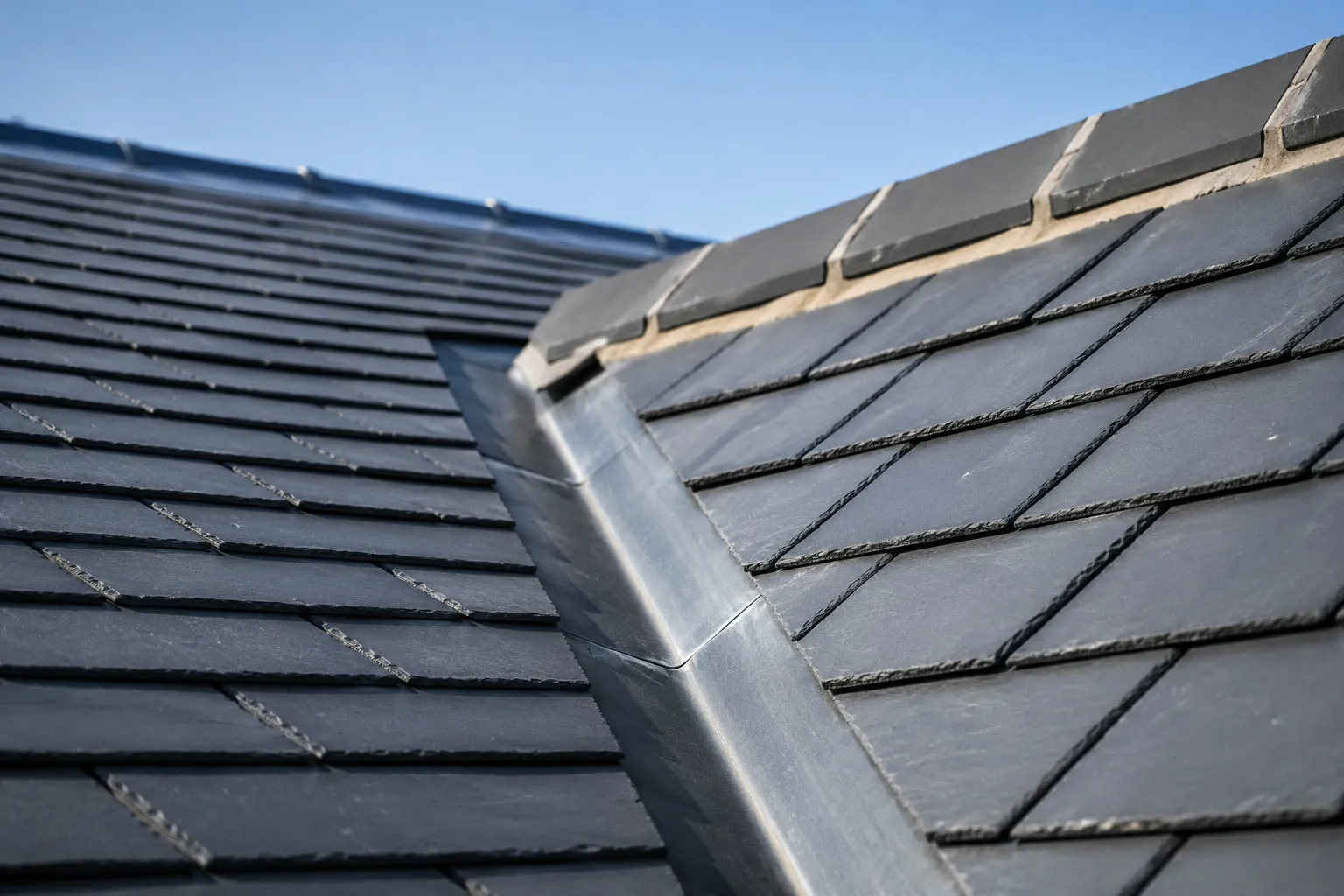
Reviews feed prominence, and they decide who gets the call once the homeowner is looking at three names. Recent reviews count for more than old ones. BrightLocal's Local Consumer Review Survey 2026 found that 74% of consumers want to see reviews from the past three months. It also found that 47% would not use a business with fewer than 20 reviews. The survey covers 1,002 adults in the US, not UK homeowners.
Make asking part of finishing the job. Before you load the van, tell the customer you will text them a link. Send it that evening, while the new roof is fresh in their mind. Get the short review link from your profile and save it in your phone so it takes ten seconds.
Reply to every review, good or bad. The same BrightLocal survey found that 89% of consumers expect business owners to respond to reviews. A calm, specific reply to a poor review shows the next homeowner how you deal with problems. That matters in roofing, where people worry about being left with a half-finished job.
3. A page on your website for each roofing service
The map ranks businesses. The normal results rank pages. A single "Services" page with a list of bullet points has to compete for every search at once, and it usually wins none of them.
Give each main service its own page with its own heading. "Flat roof repairs in Stockport" on a page about flat roofs gives Google something clear to match against a search for flat roof repairs. Use that page to explain how you do the job, which materials you use and what affects the price. Add photos from flat roofs you have done. The same structure runs through the websites we build for roofing companies, where every main service gets its own page from day one.
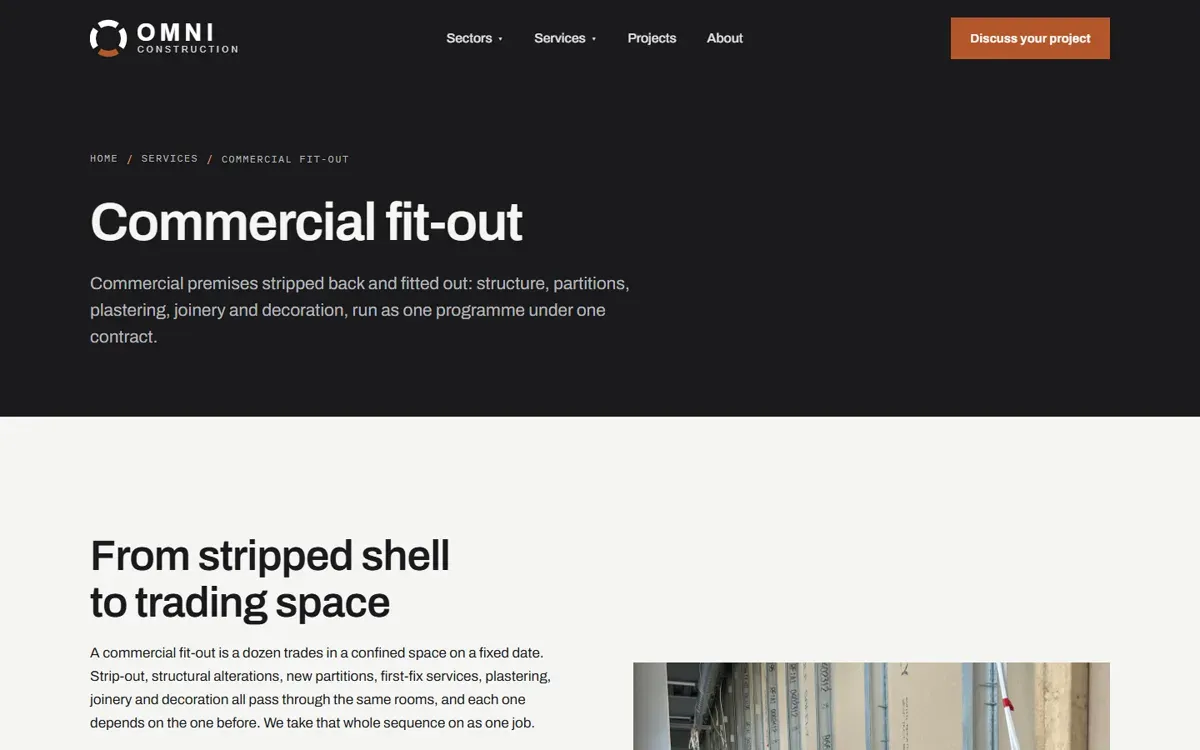
Your website also helps your profile. Link the profile to your site, and make sure the business name, phone number and services match on both. When we built the site for Omni Construction Group, each service got a page written for the search that brings people to it, roofing included.
4. Pages for the towns you cover
Distance limits the map. A roofer based in Stockport will struggle to appear in the map for someone searching in Wilmslow. The normal results are less tied to distance, and that is where town pages earn their place.
A good town page says which roofing work you do there and how quickly you can get out. It shows a job you finished in that town, with a photo and a line about the house. "Ridge tiles rebedded on a 1930s semi in Cheadle Hulme" tells the reader you know their streets. A page that copies the same paragraph and swaps the town name gives Google and the homeowner nothing new.
Start with your three or four busiest towns, then add more as the jobs come in. Our guide to local SEO for trade businesses explains how town pages fit with your profile.
How the four work together
Picture a homeowner in Cheadle at 9pm. Rain is coming through the bedroom ceiling. They search "roof repair Cheadle" on their phone.
- Your profile appears in the map because you list roof repairs and Cheadle is in your service area.
- They tap it and see 40 reviews, the newest from last week, with your replies under each one.
- They tap through to your website and land on the roof repairs page, with photos of repairs you have done nearby.
- They see a tap-to-call button, a note that you answer from 7am, and a short form. They send the form that night and you ring at 7am.
Take away any one piece and the chain breaks. A strong profile that links to a site with no repairs page loses them at step three. A good website with six reviews from 2021 loses them at step two. Our post on what to put on a roofing website covers the pages that close the deal once they arrive.
A routine that fits round the work
None of this needs a day in the office. Most of it fits into a few minutes a week:
- Take photos on every job, before, during and after.
- Text the review link to each customer on the evening the job finishes.
- Reply to new reviews on Sunday evening.
- Add two or three new job photos to your profile each week.
- Once a month, add a finished job to the right service page or town page on your website.
Search for your main services in your main towns once a month, from your phone, and note where you appear. That is the simplest way to see if it is working.
When paying for ads still makes sense
Free results take months to build. Ads put you at the top today and stop the moment the budget runs out. If you have just started trading, or you need work in the diary for next month, ads can fill the gap while your profile and website build up. Many roofers run both for a while and cut the ad budget as the free calls grow. The steps above make ads work better too, because the person who clicks an ad still checks your reviews and your website before they ring.
How SiteFlash helps
We build roofing websites with a page for each service, pages for the towns you cover, a tap-to-call button and a short quote form, all linked to your Google Business Profile. You see a working concept of your own site before you pay anything. Plans start at £149 a month with no upfront cost and no contract, and hosting, your domain and updates are included.